Play the Light.
Listen to the Sight.
The world has enough
"beautiful photos".
YOKI Camera is not a project to improve photography merely as a "capturing device". It is a device designed to re-perceive light as a playable signal and accept resonances beyond prediction.
Shooting is not the moment of pressing the shutter, but a performance act progressing in time. How does the light signal distort and reverberate? Experience the physical visual reaction that exists before meaning.
Play the light with Effects Pedals
Light is your raw material. How you play it is up to you.
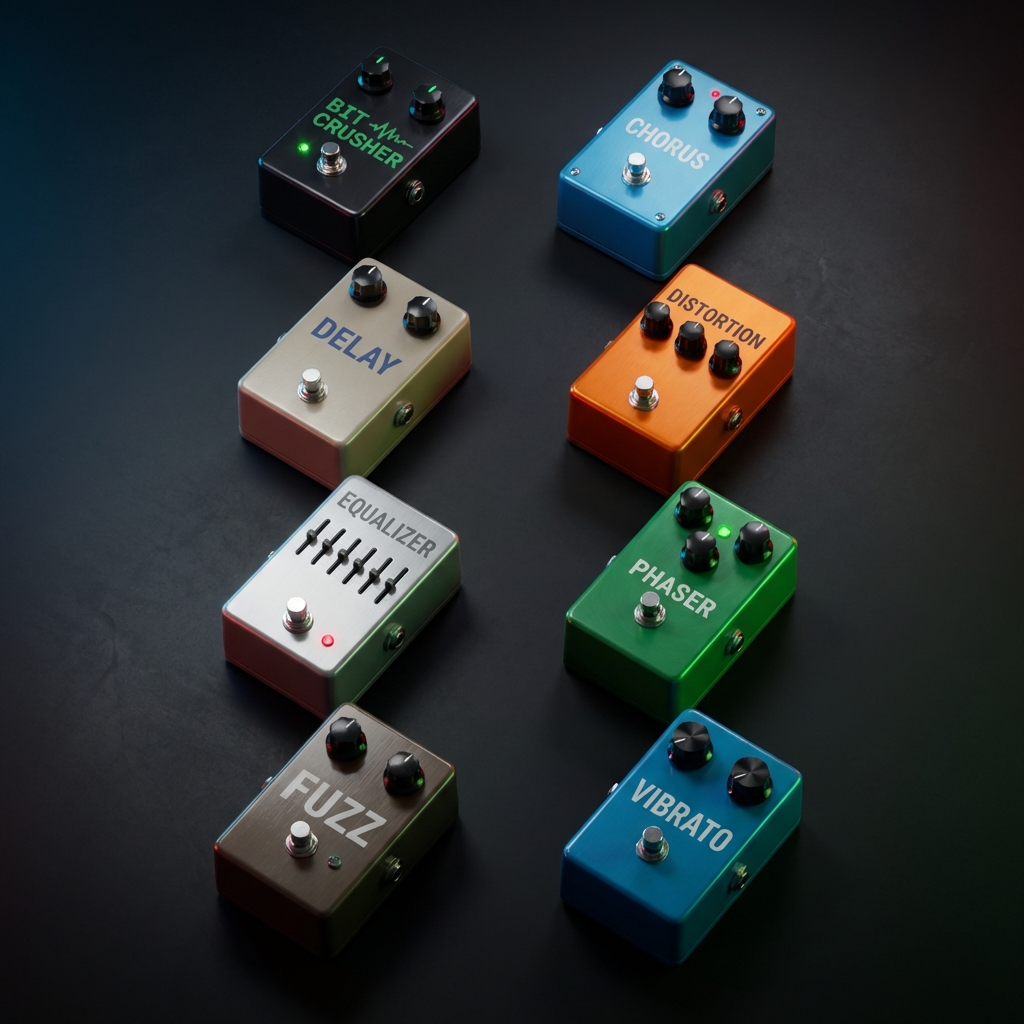
TYPE: Diverse Effects Pedals
Distort, shake, blur.
The behavior of light changes with each pedal.
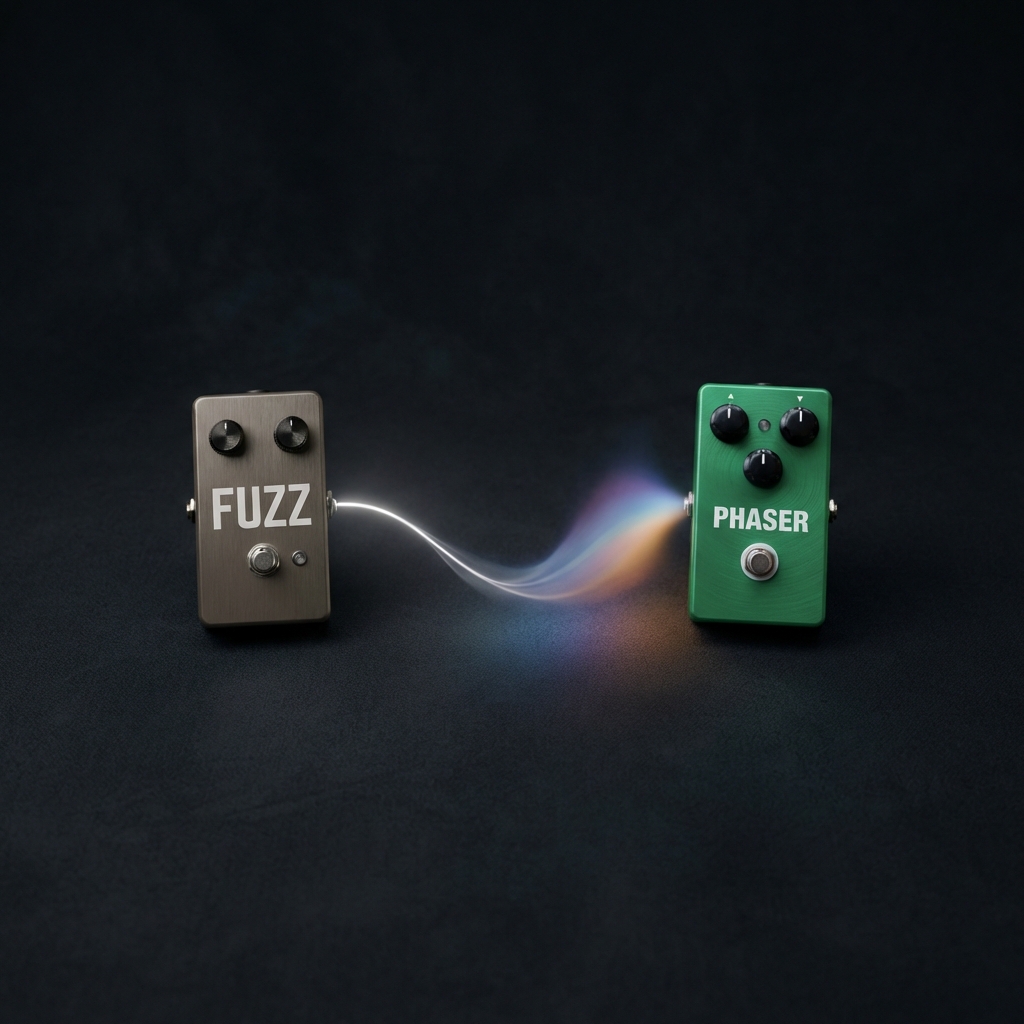
STACK: Architectural Combinations
By layering pedals,
light reveals unexpected reactions.
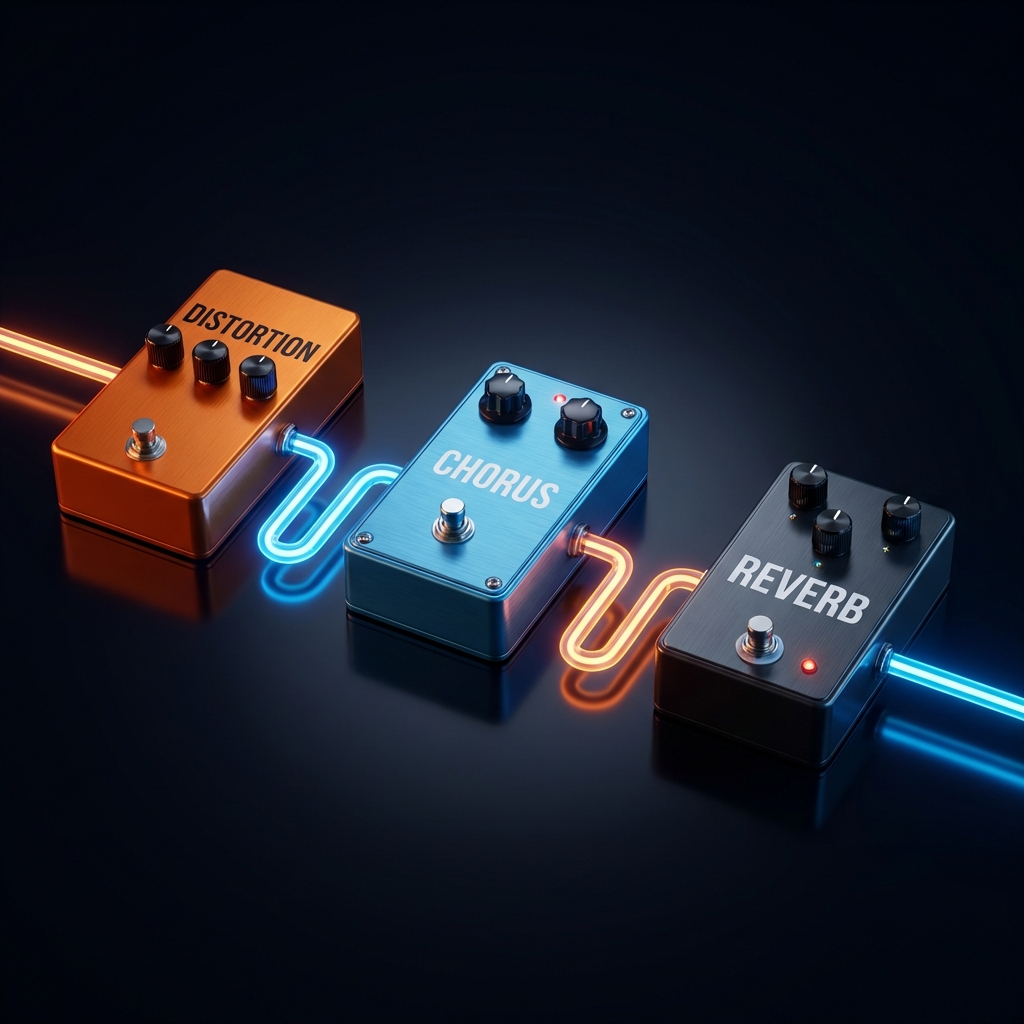
ORDER: Sequence is Expression
Change the order, change the result.
The sequence of pedals is the design itself.
Master the signals.
Learn how to manipulate light
Effects Pedals
EQ
Separates the photo into "details" and "large surfaces" for foundational tone shaping.
EQ 3-band Spatial Frequency EQ
1. Overview
Acts as the "foundation for image creation," separating the photo into "details (grit/edges)" and "large surfaces (blocks of light/shadow)." It allows for adjustments beyond simple sharpening or softening, such as "enhancing edges while suppressing surface undulation."
2. Knobs
- LOW: Strengthens or suppresses large surfaces and gentle gradients (sky, walls, shadows). Boosting it deepens the surfaces; cutting it calms them.
- MID: Adjusts the "core" of structure and texture (building planes, skin texture, object presence). Boosting creates 3D depth; cutting flattens the image.
- HIGH: Adjusts edges and fine details. Boosting adds bite and sharpness; cutting rounds off the contours.
Distortion
Pushing light to its limit to "crush" it, creating aggressive distortion.
Distortion
1. Overview
Creates rough distortion by pushing light (brightness) to its limit and "crushing" it. Highlights become sticky, tones break apart, and the photo instantly gains energy.
2. Knobs
- Drive: Intensity of distortion. Increasing it amplifies brightness, causing whites and highlights to crack or crush more easily.
- Tone: Texture direction. Negative values lean towards blur/bleed for soft distortion; positive values lean towards sharp/contrast for hard distortion.
- Mix: Blend ratio with the original photo. 0 is original, 100 is fully distorted.
Vibrato
Cyclically shakes the hue to add a "dreamlike" drift away from reality.
Vibrato Hue LFO
1. Overview
Creates a drifting color shift by periodically shaking the hue. Adds a "dreamlike" or "queasy" feel slightly detached from reality's colors.
2. Knobs
- Rate: Speed of the shake. Increasing it speeds up the color cycling.
- Depth: Magnitude of the shake (amount of color shift). Increasing it causes colors to move more boldly, intensifying the atmosphere.
- Mix: Amount of effect. Increasing it brings the color shake to the foreground (stronger settings may settle into a pastel-like tone).
Fuzz
"Destructive Distortion." Radically reduces gradation to create a rough, posterized look like a woodblock print.
Fuzz
1. Overview
Responsible for "destructive distortion." It radically reduces color gradation to create a rough, "flat-fill" look (posterization) similar to a woodblock print or silkscreen. Unlike Distortion's "sharp lines," Fuzz features a destructive expression that "crushes surfaces."
2. Knobs
- Fuzz: Intensity of destruction. Increasing it radically reduces the number of colors, aggressively slicing off information like a square wave.
- Bias: Asymmetry of the distortion. Plus/minus values cause uneven color crushing, yielding unexpected psychedelic "glitches" and strong quirks.
- Tone: Texture direction (Gating). Negative values aggressively sink dark areas into "pitch black" (eroding silhouettes), while positive values blow out bright areas to "pure white," creating extreme contrast jumps.
Bit Crusher
Intentionally breaks gradation and resolution for a retro game or compressed video look.
Bit Crusher
1. Overview
Creates a digital lo-fi effect. Intentionally breaks color gradation and resolution to degrade the image into something like a retro game or old compressed video.
2. Knobs
- Crush: Amount of color depth reduction. Increasing it makes gradients blocky and introduces posterization steps.
- Rate: Amount of resolution reduction. Increasing it enlarges the pixels, enhancing the mosaic effect.
- Jitter: Randomness added to the degradation. Increasing it adds noisy instability and glitchiness.
Chorus
Overlays a slightly shifted "double image" to create a thick, double-vision effect.
Chorus Optical Shift
1. Overview
Overlays a slightly shifted "double image" to create a thick, double-vision effect. Can range from a distinct double exposure to a subtle blur.
2. Knobs
- Rate: Fineness of the shift (tempo of change). Higher is faster/finer movement; lower is slower/gentler.
- Depth: Distance of the shift. Increasing it separates the double image further, adding thickness.
- Mix: Blend of original and double image. Increasing it strengthens the chorus effect.
Phaser
Interference effect causing local compression/expansion, like the image density is breathing.
Phaser Density Breathing
1. Overview
An interference effect where the "density" of the screen seems to breathe through local compression and expansion. The photo physically undulates, creating a pulsating unease.
2. Knobs
- Rate: Speed of the breathing. Increasing it speeds up the undulation/interference.
- Depth: Intensity of the deformation. Increasing it expands the compression/expansion, heightening the surrealism.
- Freq: Fineness of the wave. Low creates large undulations; high creates fine interference patterns (moiré-like).
Delay
Overlays time-delayed frames to create trails, capturing the "afterglow" of light.
Delay
1. Overview
Creates trails (echoes) by overlaying time-delayed frames. Even without movement, it can capture the "afterglow" or ghosting of light.
2. Knobs
- Mix: Prominence of the trails. Increasing it brings the echoes forward.
- Feedback: How long the trails persist. Increasing it makes past frames darker and linger stubbornly.
- Spread: The time gap. Low creates a near-simultaneous stack (thickness); high creates a gap for "trailing afterimages."
Reverb
Adds spatial reflection and diffusion, expanding the air around the subject.
Reverb
1. Overview
Adds spatial reflection and diffusion to create an afterglow in the photo. It feels like the air around the subject expands into a wider space.
2. Knobs
- Mix: Amount of afterglow. Increasing it brings the reverb component forward.
- Decay: Length of the afterglow. Increasing it makes it linger longer, deepening the perceived space.
- Room Size: Size of the space. Increasing it creates larger diffusion, like resonating in a vast hall.
Noise Gate
Suppressing dark areas to tighten blacks. The "bottom" of the photo drops out for sharp shadows.
Noise Gate
1. Overview
Processes the image by suppressing dark areas towards black. The "bottom" of the photo is tightened, making shadows drop off sharply and defining outlines in night shots.
2. Knobs
- Threshold: darkness level to start gating. Increasing it affects brighter areas.
- Range: How much to crush to black. Increasing it sinks dark areas deeper.
- Decay: Smoothness of the effect. Low is abrupt chopping; high smoothes the transition.
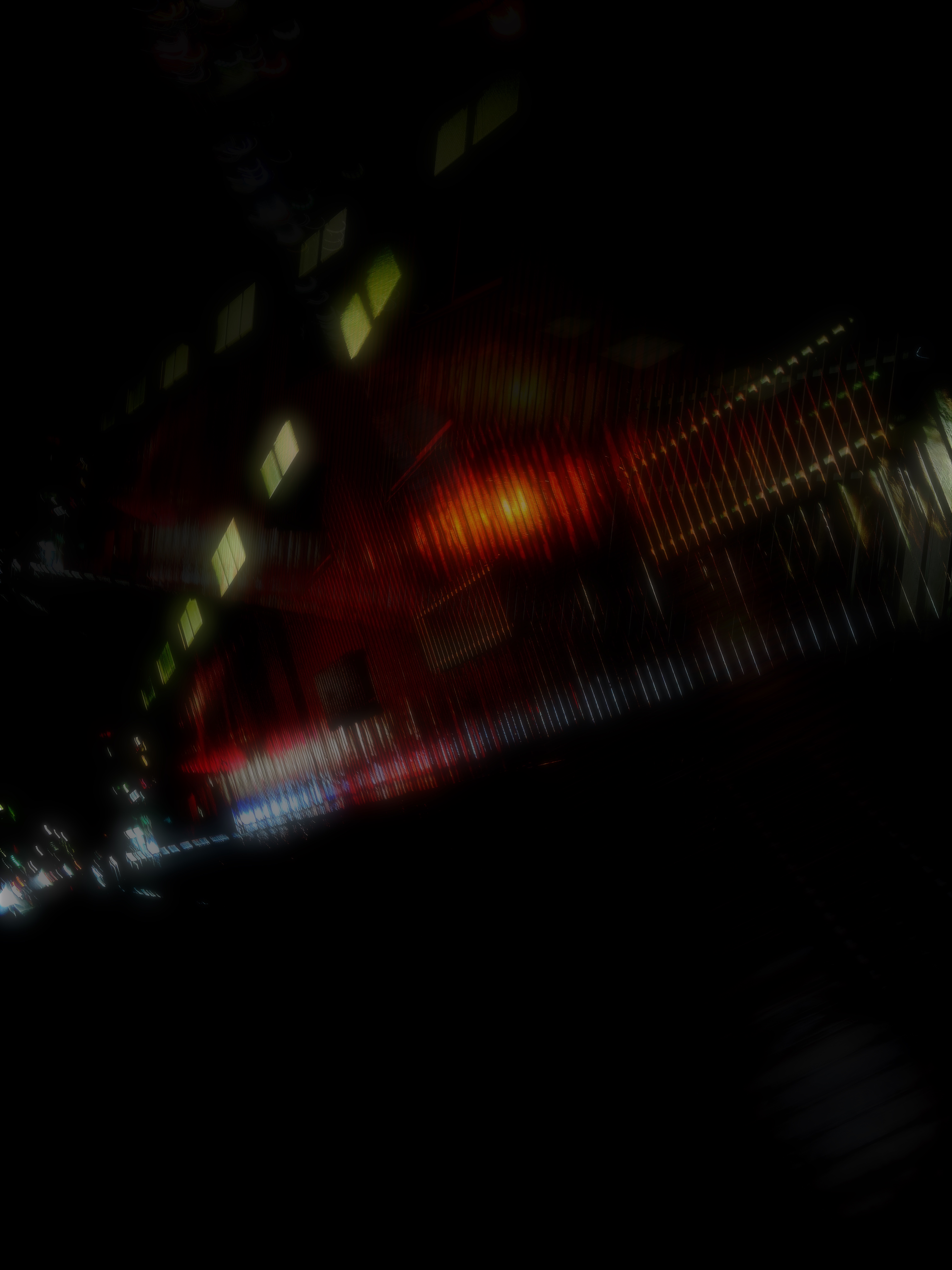
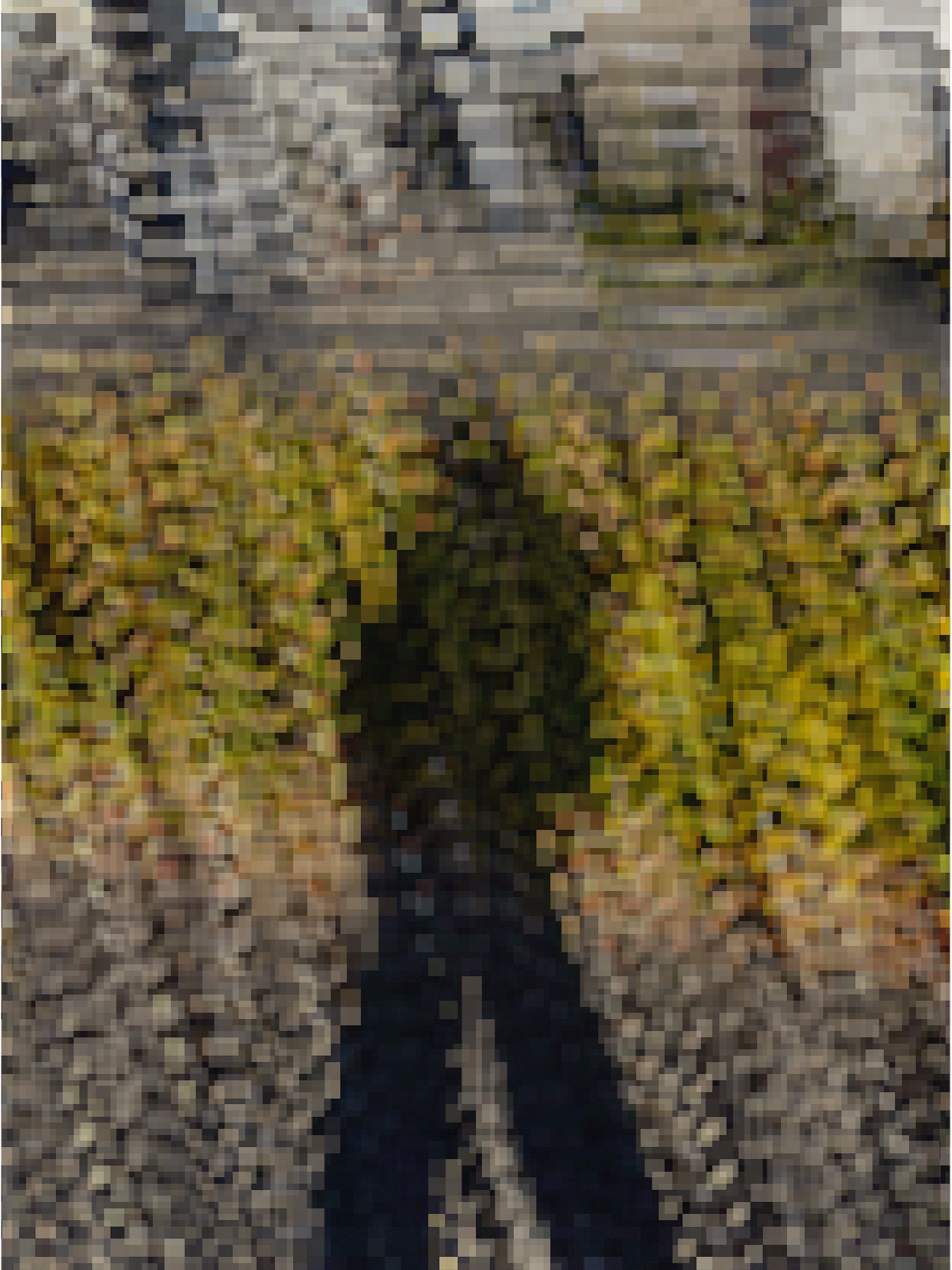
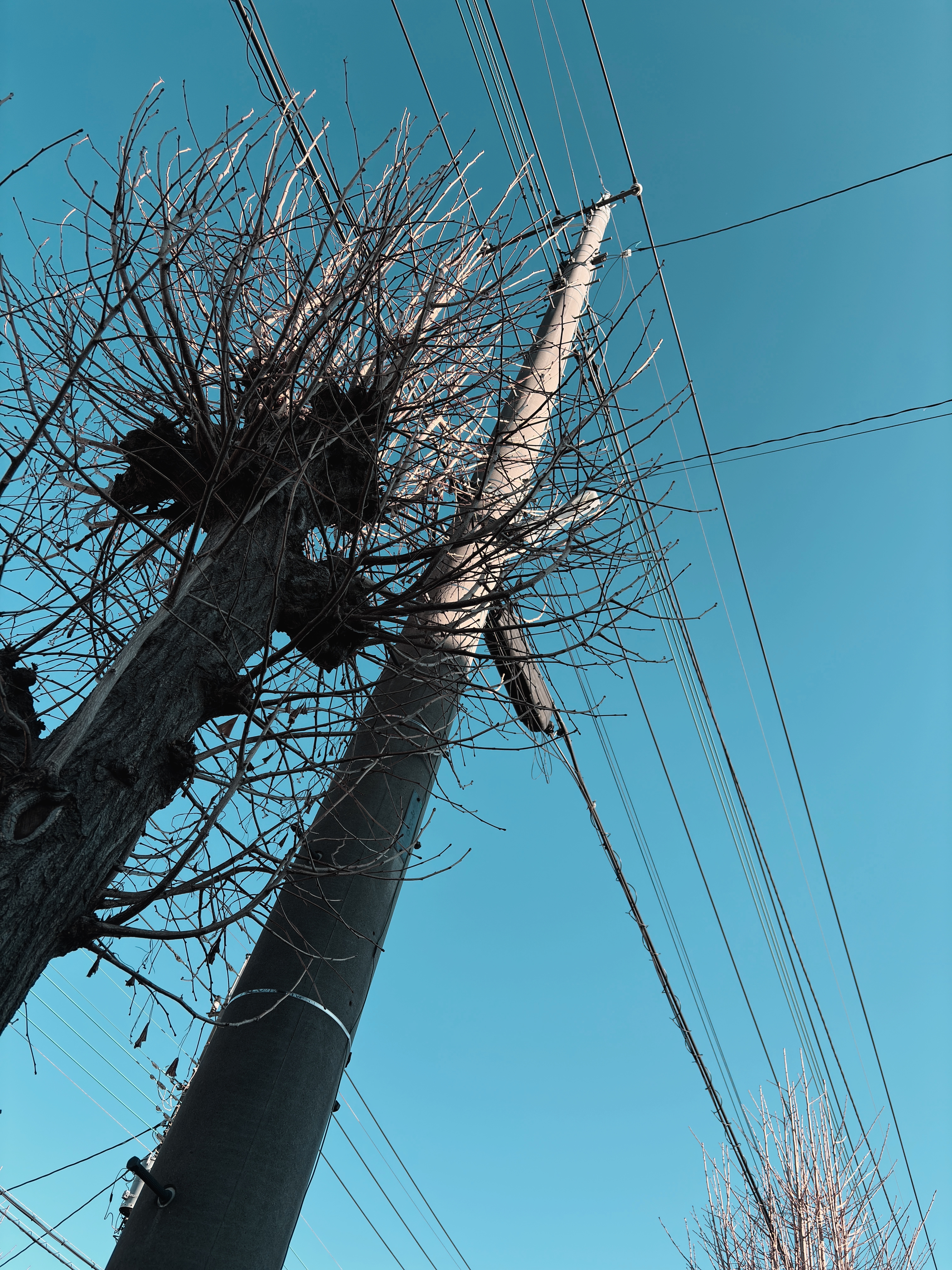
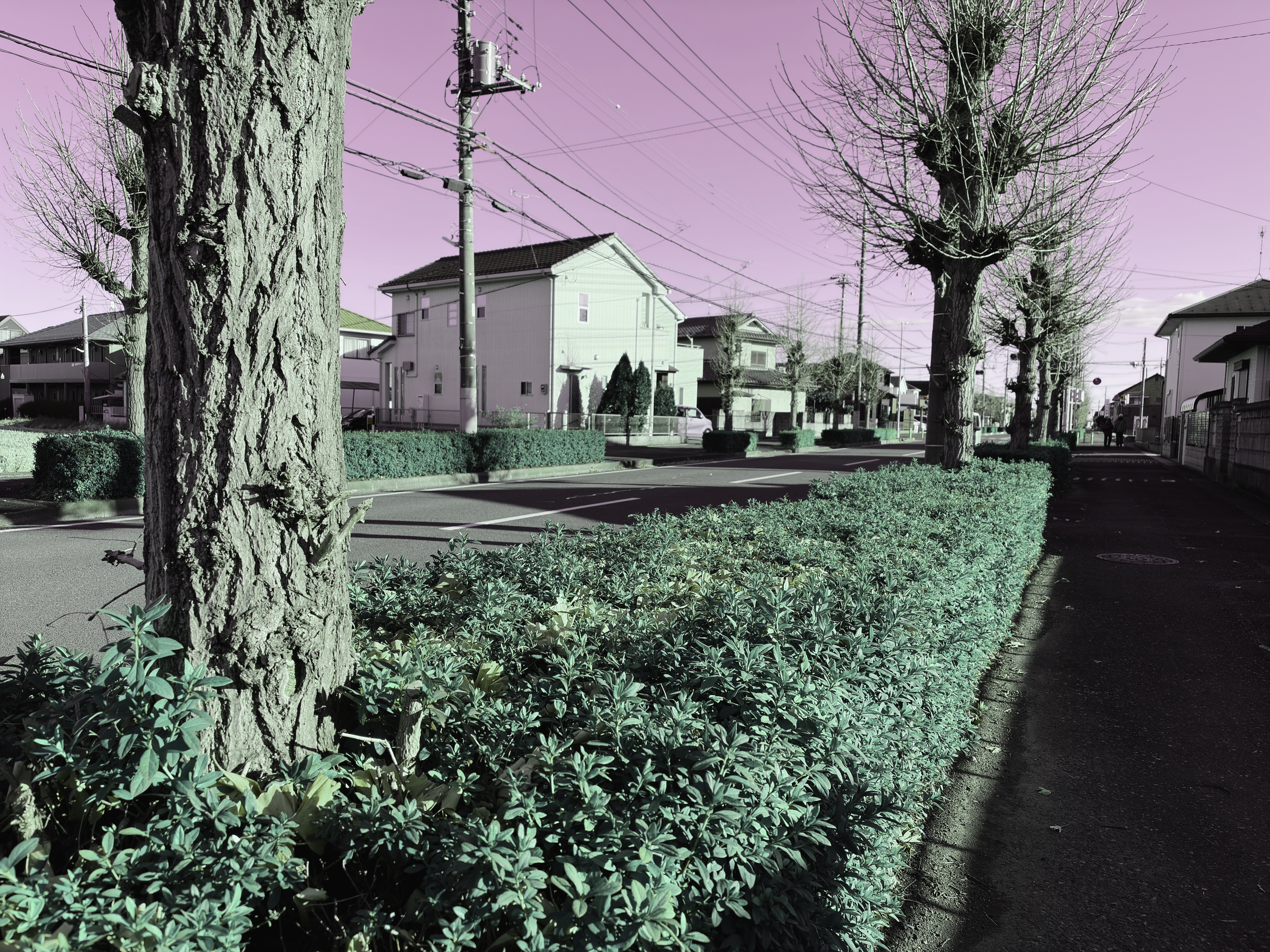
Shot on YOKI
Support
FAQ
Q1. How is this different from standard filter apps?
YOKI Camera is not for "polishing photos."
It treats light as raw material—a camera where you play expressions through effect types,
combinations, and signal flow.
It is designed to enjoy reactions and accidents, not to aim for a "correct" result.
Q2. Are there free effects?
Yes. Basic effects are free to use.
Additional effects are available in the in-app store.
Q3. The results are sometimes unexpected.
YOKI treats light strictly as a signal.
Combinations and order can trigger unexpected reactions.
This unpredictability is designed as part of the "performance."
Q4. Why does the order matter?
Each effect processes the signal from the previous one.
The sequence itself is part of the expression.
This follows the same logic as guitar effect pedals.
Q5. What if the app isn't working?
Restarting the app or device may fix it.
If the issue persists, please contact us via the contact info in the Support section.

Experience it.
YOKI Camera is not an app aiming for mass appeal.
For you, who resonates with this worldview.